

Presence
Be easy to find and clear about what you offer.

Build a new website or improve the one you have, with a clear next step for your customers. Connect content, marketing and customer systems where they support how your business works.
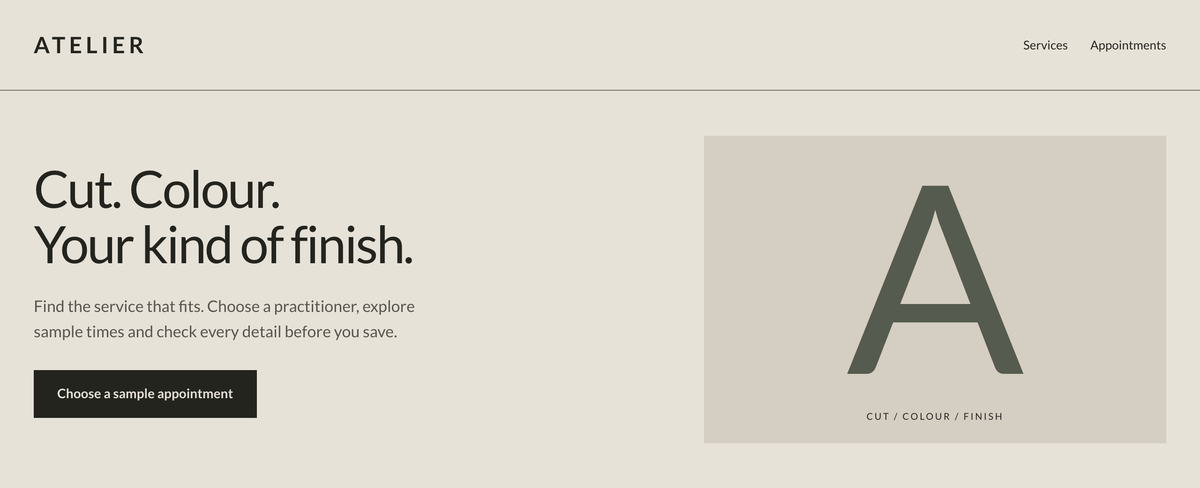
A fictional salon website, from the first introduction to choosing a service and reviewing a sample appointment.
Try the demoStart with a Website & Inquiry Review. We look at how customers find your business, understand your services and get in touch, then discuss what matters most to you.
The 20-minute discovery call is free. We’ll discuss up to three practical priorities during the call; any paid work is quoted separately.
The next step may be a new website, a targeted improvement, a connected inquiry process, or no immediate project.
No website yet? A business listing or social page is a useful starting point.
Request a website reviewStart with the part that needs attention, or bring several together.
Be easy to find and clear about what you offer.
Make booking, buying or getting in touch straightforward.
Show the real business and connect campaigns to the offer.
Keep inquiries moving, customers connected and the setup maintained.
Ongoing care supports all four parts. Choose the capabilities your business needs.
Illustrative applications for six kinds of business.
Location, scope, photos and preferred timing.
Assigned owner, assessment and a quote.
Approval, schedule and preparation details.
Completion and an appropriate return visit.
Illustrative example
Customer details → assigned staff member
Items, modifiers and current availability.
Payment status and staff acknowledgment.
Preparation time and a clear collection point.
Approved reorder or catering follow-up.
Illustrative example
Order received → preparation → ready
Details, variants and available stock.
Payment and the correct fulfillment option.
Preparation, dispatch or ready for pickup.
Help, feedback or a relevant reorder prompt.
Illustrative example
Order details → prepare → dispatch
The right service and professional.
Duration, buffers and resource checks.
Clear details, reminders and change options.
Completion and appropriate rebooking.
Illustrative example
Service → valid time → review
Level, timetable and instructor.
Capacity, waitlist and confirmation.
Preparation, check-in and attendance.
Suitable enrollment or follow-up.
Illustrative example
Suitable session → registration → attendance
Needs, timing and qualification.
The right person, time zone and preparation.
Scope, approval and next-action tracking.
Acceptance and a clear onboarding process.
Illustrative example
Qualified inquiry → scope → onboarding
Talk through your business, customers and current setup. Identify what needs to improve.
Map the pages, content and customer actions. You see the direction before the build.
Create and connect the work. Test the experience, including changes and errors.
Receive a documented handover, with ongoing updates and care when you need them.
Start with your priorities. Request a Website & Inquiry Review, or discuss another project.